
Book Events
Once the client confirms dates, you can book the event to finalize it in your calendar.
-
Select the event from the calendar.
-
Click Book Event on the bottom right hand side of the page.
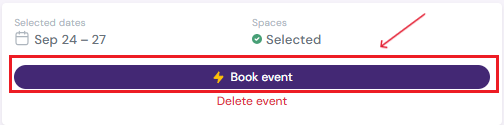
- Make any edits or changes necessary in the pop-up and click on Book Event button.
-
The event’s status changes from On-Hold to Active, and the color of the event will change from grey to the color picked earlier.
Next Steps
Learn about the calendar's Planner View and its functions
See how to create a hold for an event before booking
Edit/Cancel/Delete Events at anytime
Add Load In/Out dates to your event
Assign Specific Spaces in your venue to an event
Add an Event Manager to the event