
Verify Your Email
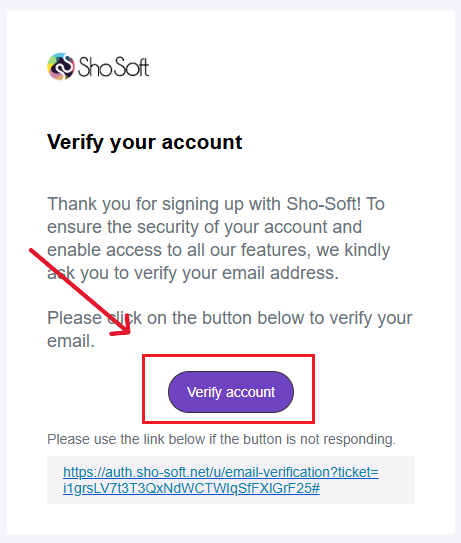
- Check your inbox for the verification email from Sho-Soft.
- Open the email and click Verify Account.
- You’ll be redirected back to Sho-Soft.
Tip: If you don’t see the email, check your Spam or Promotions folder or you can resend the email to yourself from the Sho-Soft web page.
How to Set Up Your Organization
- On the top toolbar, click the Organization button.
- Use the left-hand toolbar to set up each of the following:
*Click any of the links above for detailed step-by-step instructions.