
Key Calendar Functions
-
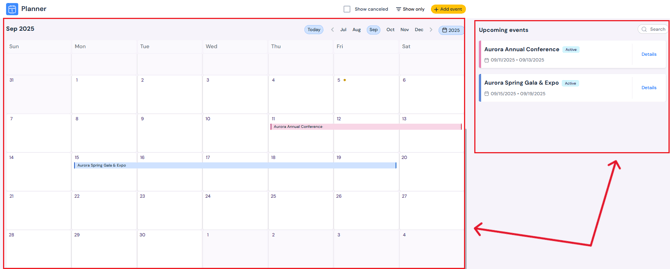
All Events in One Place - View every event on the calendar.
-
Upcoming Events List - Displayed on the right-hand side as quick entries.
-
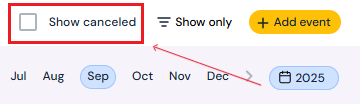
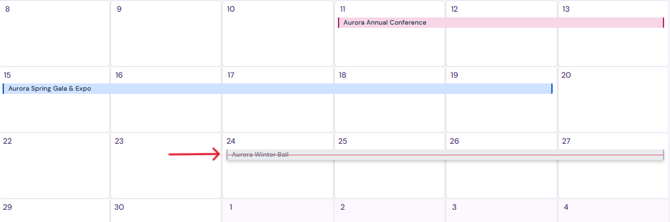
Show Canceled Events - Check the Show Canceled box to include canceled events in your calendar view.
-
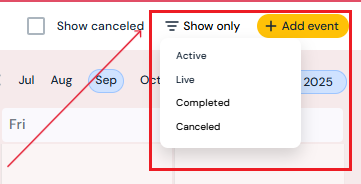
Filter by Event Type - Click Show Only to sort and display specific types of events:
-
Active - Upcoming events currently in progress of setup.
-
Live - Events happening now.
-
Completed - Past events that have concluded.
-
Canceled - Events that were scheduled but have been canceled
-
Next Steps
See how to book/edit/delete events on the Calendar
Add load in/out dates to an event
See how to assign a venue to an event