
1. Add a Venue When Creating a New Event
- Create a new event in the calendar.
-
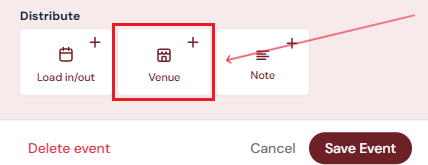
In the event creation pop-up, under Distribute, click the Venue button.
-
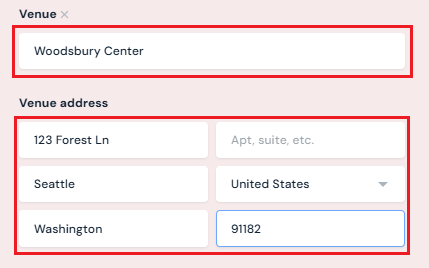
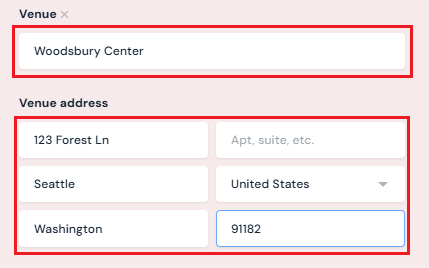
Type in the name and address of the Venue.
2. Add or Edit a Venue for an Existing Event
-
On the calendar, click the event.
-
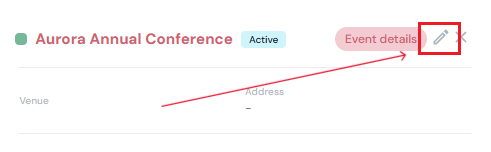
Click the Edit button.
-
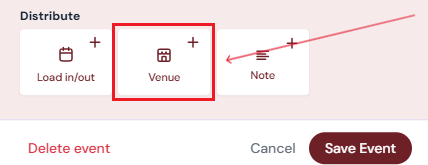
In the event creation pop-up, under Distribute, click the Venue button.
- Type in the name and address of the Venue.
3. Save the Event
-
Once changes are complete, click Save Event.

Next Steps
Book/Edit/Delete events in the events calendar
Add Load-In and Load-Out Dates to an event